
From install to insights in 60 seconds.
Experience how Browsenote transforms your chaotic browsing into structured knowledge locally, privately, and instantly.
Add to Chrome
Download the extension from the Chrome Web Store. Since we run the LLM locally, the initial package includes everything you need for private processing.
Visit Web Store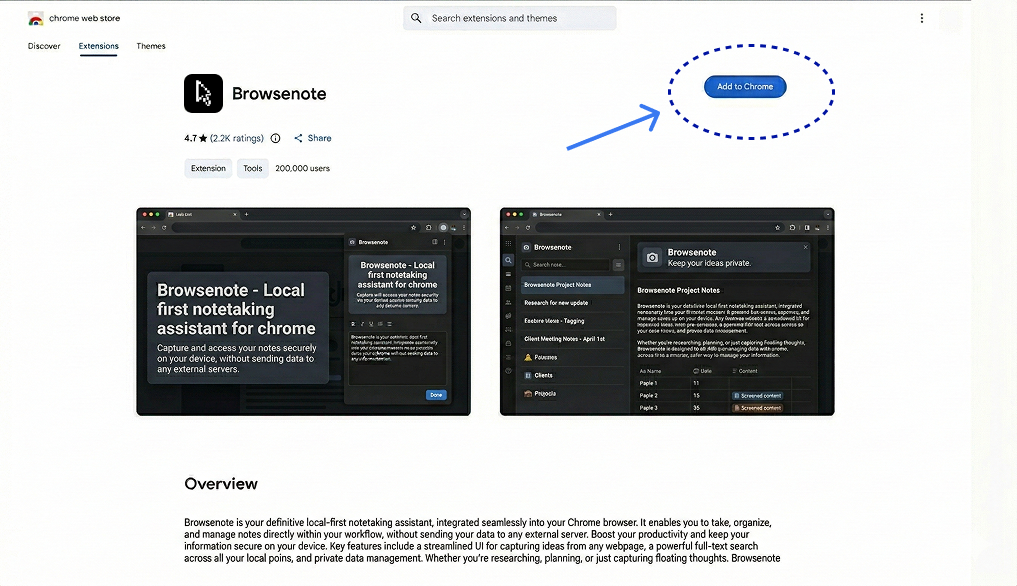
Configure Your Flow
Open the sidebar to set your preferred note format. Choose between Concise Summaries, Atomic Bullet Points, or Q&A pairs.
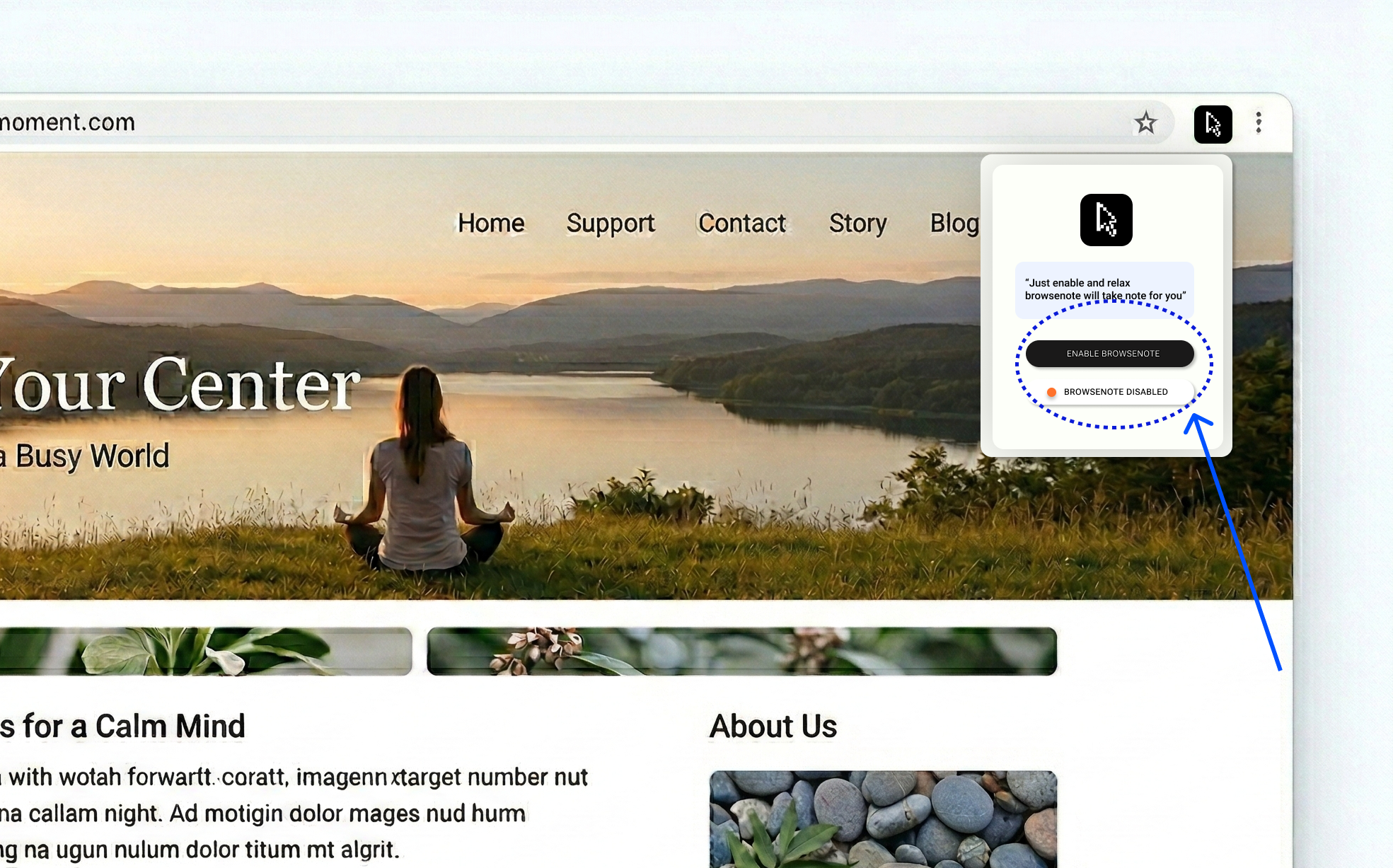
Activate Intelligence
Click the Browsenote icon in your browser bar or use the sidebar toggle. The extension will begin analyzing your current tab instantly.
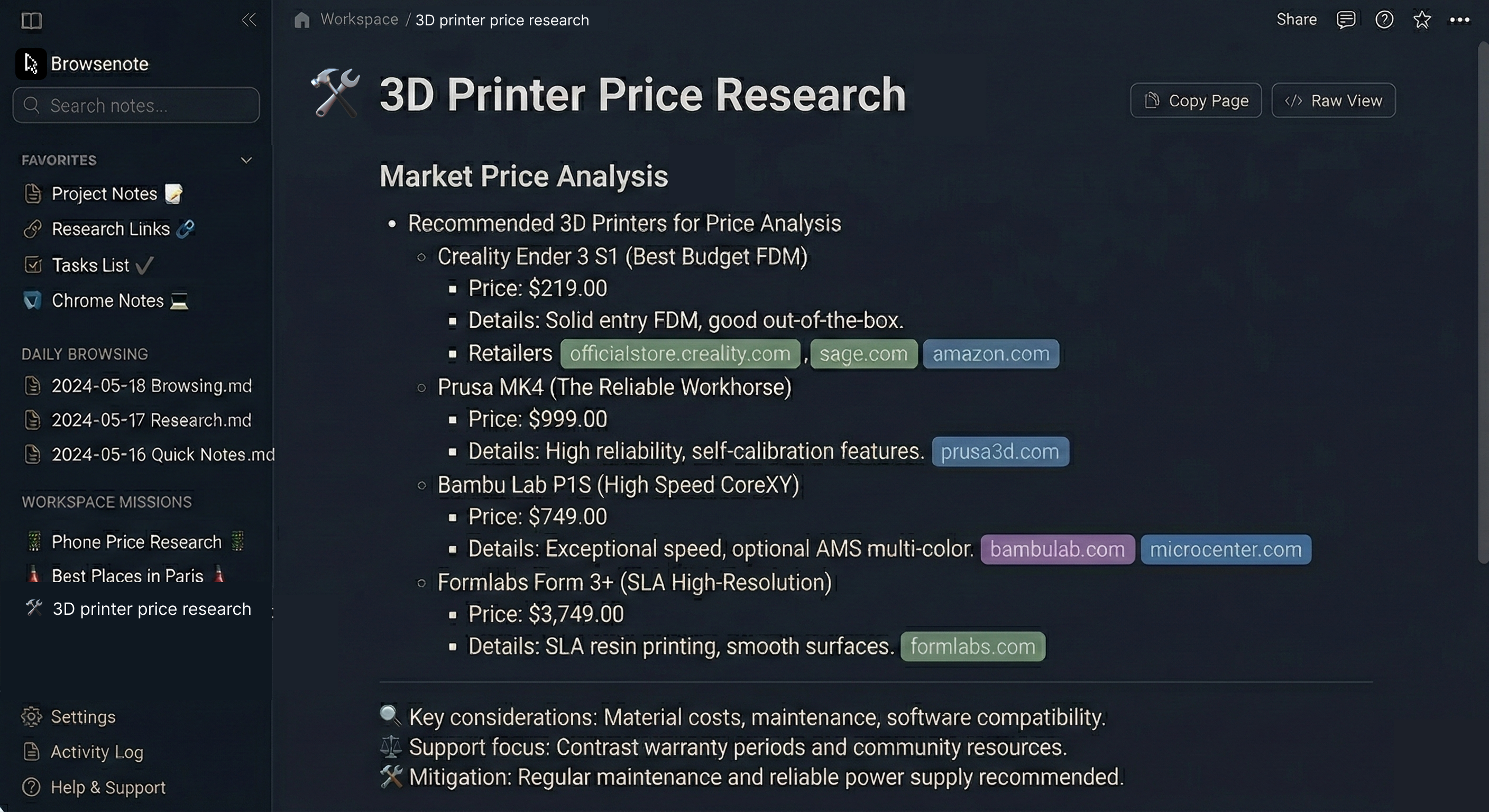
The Insight Dashboard
Finished your session? Hop into the dashboard. All your notes are categorized, indexed, and fully searchable. It's your second brain, minus the clutter.
Ready to browse
differently?
Join 2,000+ power users today. Start your 10-day free trial. No credit card, no risk, just insights.
100% Private • Local LLM • Manifest V3